
A Cleaner PC.
A Smoother Day.
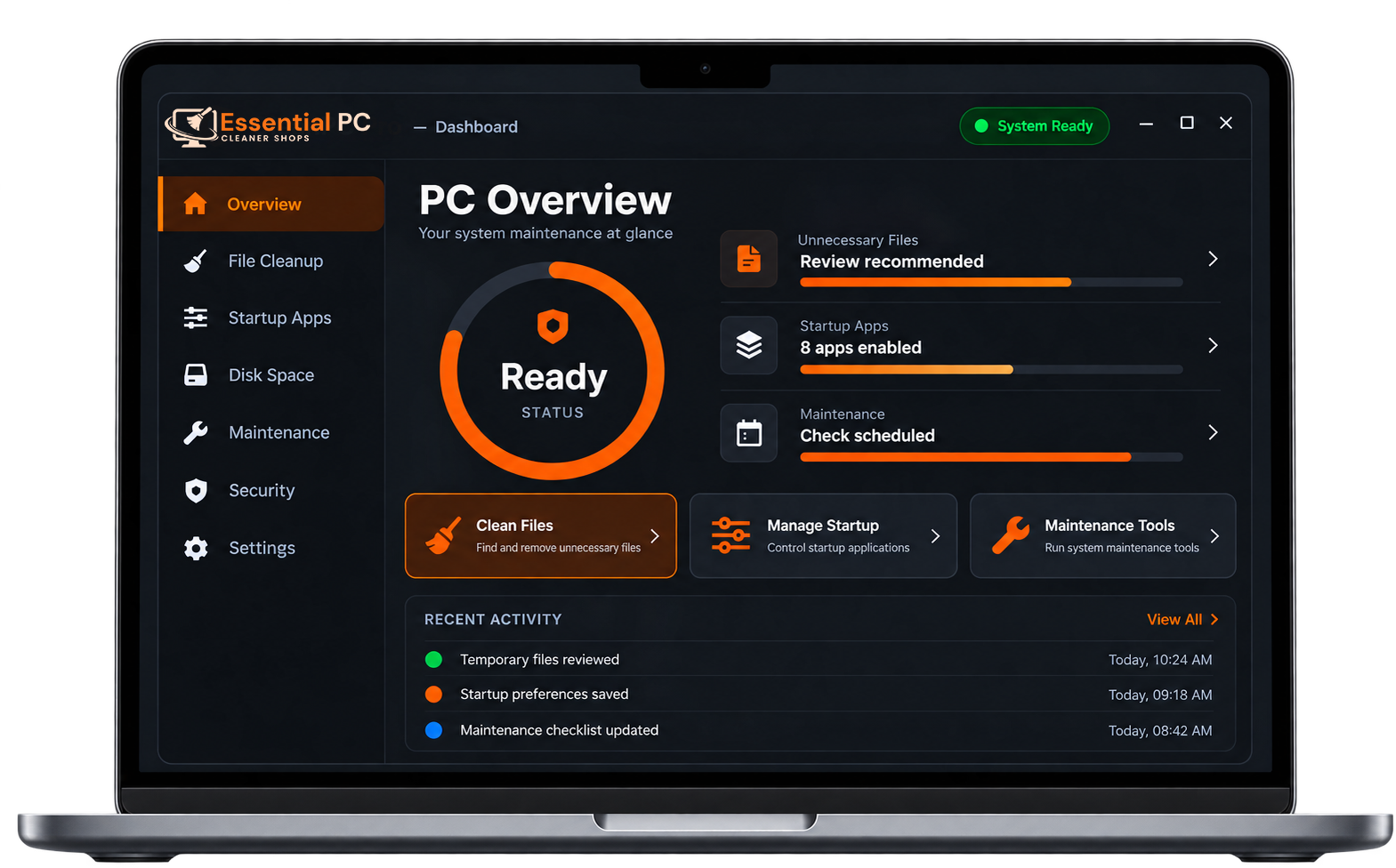
Clean up unnecessary files, manage startup apps, and review your PC's maintenance tasks from one simple dashboard. Essential PC Cleaner Shops helps make routine PC maintenance easier.
Compatible with
Six Essential Tools to Help Keep Your PC Clean
Clear unnecessary files, review startup programs, and manage your PC's storage with tools designed to make routine maintenance easier.
Junk File & Disk Cleanup
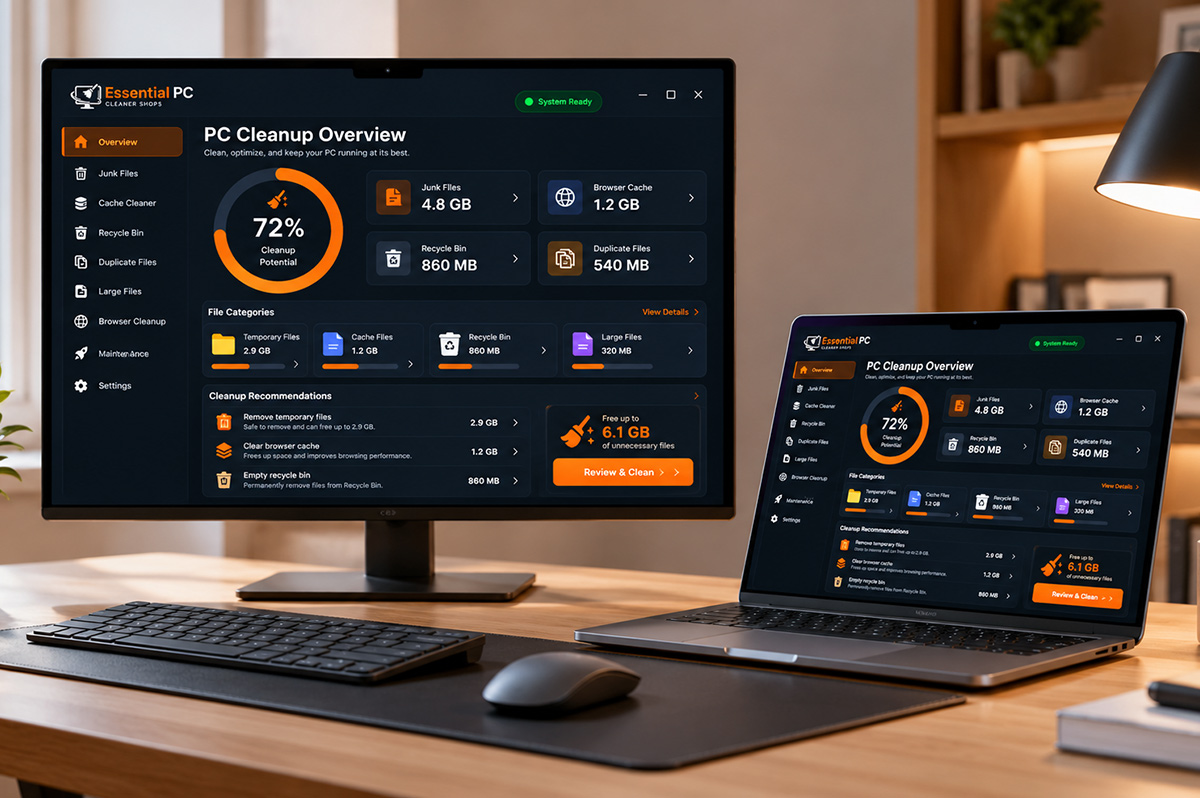
Identify temporary files, leftover installers, and other removable items that may be using valuable disk space. Review the results before choosing what to clean.
- Temporary and cache files
- Browser data cleanup
- Windows Update leftovers
Startup & Memory Optimization
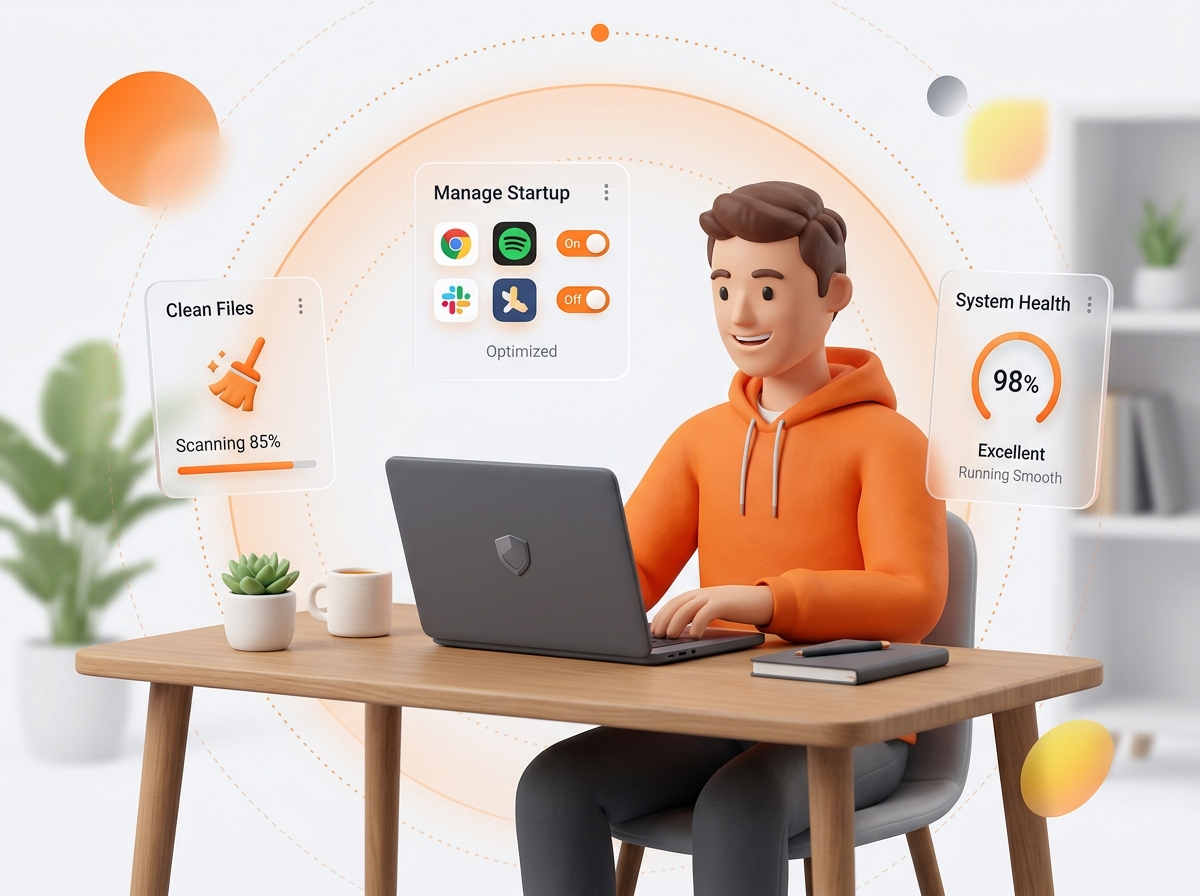
Review programs that launch when Windows starts and identify background applications you may not need. Managing startup items may help streamline startup and free up system resources.
- Review startup programs
- Manage startup items
- Identify background applications
Privacy & Browser Cleanup
Review browser history, cookies, cached data, and other browsing traces. Choose which items to remove while keeping the information you want to retain.
- Browser history and cookies
- Cached browsing data
- Choose what to remove
Duplicate File Finder
Find potential duplicate photos, videos, documents, and other files that may occupy unnecessary storage. Review matching files before deciding which copies to keep or remove.
- Find potential duplicates
- Review matching files
- Manage unnecessary copies
Large File Cleaner
Locate large files and folders that use significant disk space. Review the results to understand what's taking up storage and decide what you may no longer need.
- Identify large files
- Review storage usage
- Find files to review
Uninstall Manager
Review installed applications and identify software you no longer use. Choose unwanted programs for removal to help manage installed software and reduce unnecessary clutter.
- Review installed applications
- Identify unused software
- Manage unwanted programs
Everything You Need for a Cleaner PC
Follow a simple process to scan, review, and clean up your PC.
Scan & Analyze
Check drives, browsers, and startup for clutter, then organize the findings into clear categories.
Review & Select
Review the results and choose which items you want to keep or remove.
Clean & Optimize
Remove selected items and turn off unnecessary startup programs.
PC Maintenance, Made Simple
Practical tools to help you clean up clutter, manage startup apps, and stay in control of your PC maintenance.
Lightweight by Design
Designed to help keep routine PC maintenance simple, with tools for reviewing and managing unnecessary files and startup items.
You Stay in Control
Review scan results, choose which supported items to clean, and decide which recommended maintenance actions to apply.
Privacy Transparency
Clear information about cleanup options and data practices helps you make informed decisions while maintaining your PC.
Windows Compatibility
Designed for compatible Windows PCs.
Windows 11
Windows 10
Windows Server
x64 & ARM64
Choose the Plan That’s Right for You
One-time payment. No hidden subscriptions.
Frequently asked questions
A Cleaner PC. A Smoother Day.
Clean up unnecessary files, manage startup apps, and review routine PC maintenance tasks from one simple dashboard. Essential PC Cleaner Shops makes everyday PC maintenance easier.